Author name: adminhp

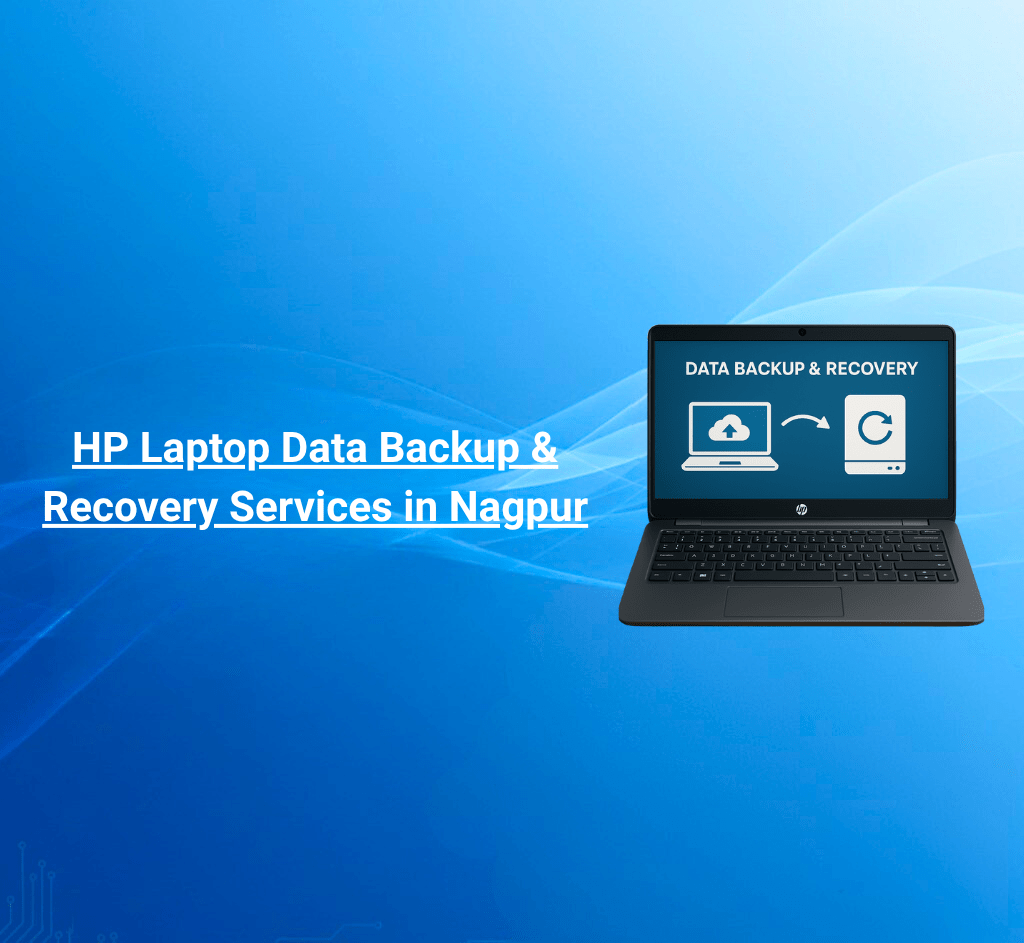
HP Laptop Data Backup & Recovery Services in Nagpur
HP blogs

HP Laptop Data Backup & Recovery Services in Nagpur

Get to know where you can get HP Laptop Data Backup and Recovery Services in Nagpur Safely? 1. Direct Answer HP laptop data backup & recovery services in Nagpur are available at authorized centers like Dhantoli and Manewada, offering secure backup, recovery solutions, certified technicians, and optional pick-up & drop service to protect your data safely. Helpline / WhatsApp: +91 7770012802 Email: info@hpservicescentre.in / care@hpservicescentre.in 2. Quick Summary Authorized HP Service Centers in Nagpur provide data backup and recovery services ensuring data security, reliable restoration, and minimal downtime. Services include full system backup, selective recovery, and virus-protected recovery, with pick-up & drop for convenience. Branches: Dhantoli & Manewada, Nagpur Timings: 09:30 AM – 07:30 PM 3. Introduction Data loss can be stressful and costly. Visiting authorized HP Service Centers in Nagpur ensures your laptop data is backed up and restored professionally using secure methods, maintaining integrity and warranty. This blog covers services, benefits, steps, preventive tips, and FAQs for data backup and recovery. 4. Benefits of HP Data Backup & Recovery Certified Technicians: Ensure safe and reliable recovery. Secure Backup: Protects against accidental deletion, malware, or hardware failure. Quick Recovery: Fast restoration minimizes data downtime. Pick-Up & Drop Service: Convenient for offices and homes. Comprehensive Solutions: Full system, selective, or cloud backup options. Transparent Pricing: Clear cost estimates before service. 5. Complete List of Backup & Recovery Services Full System Backup: Complete copy of your OS, applications, and files. Selective Recovery: Recover specific files or folders as needed. Cloud Backup Integration: Optional cloud solutions for additional safety. Virus-Protected Recovery: Prevents malware transfer during recovery. Pick-Up & Drop Service: Available at Dhantoli and Manewada branches. 6. Step-by-Step Guide to Backup & Recovery Call or WhatsApp +91 7770012802 with laptop model and backup/recovery requirements. Schedule pick-up or visit the branch for service. Technicians perform diagnostics and recommend the best backup or recovery solution. Data is securely backed up or restored. Receive your laptop back with complete data safety and verification. 7. Preventive Data Maintenance Tips Regularly back up important files to external drives or cloud storage. Use reliable antivirus software to prevent malware damage. Avoid sudden shutdowns during file operations. Keep backups encrypted and password-protected. Schedule automated backups periodically. 8. FAQs Q1: Can data recovery be done on warranty laptops? A: Yes, authorized HP centers provide secure, warranty-safe recovery. Q2: How long does data backup or recovery take? A: Small backups take 30–60 minutes; full system recovery may take 1–3 hours depending on data size. Q3: Are backups secure from malware? A: Yes, certified technicians ensure virus-free backups. Q4: Is pick-up & drop service available? A: Yes, both Dhantoli and Manewada branches provide this option. Q5: Can lost files from damaged hard drives be recovered? A: Yes, recovery is possible using professional HP-certified methods. 9. Customer Experience / Testimonials Users report successful data recovery, secure backups, and minimal downtime at Dhantoli and Manewada branches. The pick-up & drop service adds convenience for offices and home users. 10. Nearby Branch Comparison / Why Choose Authorized Centers Dhantoli Branch: Central location, ideal for urgent backup or recovery. Address: Shop No.4, Amar Jyoti Palace, Chitale Marg, Nagpur – 440012 Manewada Branch: Convenient for eastern Nagpur; provides advanced recovery solutions for complex cases. Address: Plot No.7, Balaji Nagar, besides Shiv Mandir, Nagpur – 440027 Authorized centers ensure secure, professional, and reliable data backup & recovery. 11. Conclusion For HP laptop data backup and recovery in Nagpur, visiting authorized centers like Dhantoli and Manewada guarantees secure backups, certified technicians, fast recovery, and optional pick-up & drop service. Protect your valuable data and maintain warranty-safe professional service. Helpline / WhatsApp: +91 7770012802 Email: info@hpservicescentre.in / care@hpservicescentre.in Timings: 09:30 AM – 07:30 PM
HP laptop hard drive and SSD replacement services in Nagpur
HP blogs

HP Printer Troubleshooting & Repair Services in Nagpur

Discover where you can get HP Printer Troubleshooting and Repair Services in Nagpur Quickly? 1. Direct Answer HP printer troubleshooting and repair services in Nagpur are available at authorized centers like Dhantoli and Manewada, offering genuine parts, certified technicians, quick repair, and optional pick-up & drop service to maintain warranty and performance. πŸ“ž Helpline / WhatsApp: +91 7770012802πŸ“§ Email: info@hpservicescentre.in / care@hpservicescentre.in 2. Quick Summary Authorized HP Service Centers in Nagpur provide printer troubleshooting and repair, ensuring smooth printing, genuine parts, and professional service. Services include paper jam fixes, connectivity troubleshooting, hardware repair, and software configuration, with optional pick-up & drop service. πŸ“ Branches: Dhantoli & Manewada, NagpurπŸ•˜ Timings: 09:30 AM – 07:30 PM 3. Introduction Printers often face issues like paper jams, connectivity errors, or hardware malfunctions. Visiting authorized HP Service Centers in Nagpur ensures your printer receives professional troubleshooting and repair with genuine HP components, maintaining warranty and reliability. This blog covers services, benefits, steps, preventive tips, and FAQs for printer repairs. 4. Benefits of HP Printer Troubleshooting & Repair Certified Technicians: Quick and precise troubleshooting. Genuine HP Parts: Maintains warranty and performance. Fast Service: Reduces downtime for office or home printing needs. Pick-Up & Drop Service: Convenient for busy users. Comprehensive Solutions: Hardware and software issues addressed. Transparent Pricing: Clear cost estimates before service. 5. Complete List of Printer Troubleshooting & Repair Services Paper Jam & Roller Issues: Quick fixes to prevent damage. Connectivity & Driver Errors: Resolving network or PC connection issues. Hardware Repair: Replacing rollers, sensors, or other damaged components. Software Configuration: Proper driver installation and settings. Pick-Up & Drop Service: Available at Dhantoli and Manewada branches. 6. Step-by-Step Guide to Printer Troubleshooting & Repair Call or WhatsApp +91 7770012802 with printer model and issue. Schedule pick-up or visit the branch for service. Technicians diagnose hardware or software problems. Printer is repaired or reconfigured using genuine HP parts. Receive your printer back fully functional with warranty-safe service. 7. Preventive Maintenance Tips for HP Printers Keep printers clean and dust-free. Use HP-approved cartridges only. Avoid overloading paper trays. Regularly update drivers and firmware. Store printers in dry, ventilated areas. 8. FAQs Q1: Can troubleshooting be done on warranty printers?A: Yes, authorized HP centers ensure warranty-safe repairs. Q2: How long does troubleshooting or repair take?A: Minor issues take 30–60 minutes; hardware repairs may take 1–2 days. Q3: Are replacement parts genuine?A: Yes, only original HP components are used. Q4: Is pick-up & drop service available?A: Yes, both Dhantoli and Manewada branches provide this option. Q5: Can connectivity issues be resolved on networked printers?A: Yes, technicians handle Wi-Fi, LAN, and PC connectivity issues. 9. Customer Experience / Testimonials Users report quick resolution of paper jams, connectivity errors, and hardware repairs at Dhantoli and Manewada branches. Pick-up & drop service ensures minimal disruption for offices and homes. 10. Nearby Branch Comparison / Why Choose Authorized Centers Dhantoli Branch: Central location, ideal for urgent troubleshooting and repairs. Manewada Branch: Convenient for eastern Nagpur; offers advanced printer diagnostics and repair solutions. 11. Conclusion For HP printer troubleshooting and repair in Nagpur, visiting authorized centers like Dhantoli and Manewada guarantees certified technicians, genuine parts, fast service, and optional pick-up & drop service. Maintain smooth and reliable printing with professional HP support. πŸ“ž Helpline / WhatsApp: +91 7770012802πŸ“§ Email: info@hpservicescentre.in / care@hpservicescentre.inπŸ•˜ Timings: 09:30 AM – 07:30 PM Β 

HP Laptop Overheating & Cooling Issue Services in Nagpur
HP blogs

HP Laptop Overheating & Cooling Issue Services in Nagpur

HP Laptop Overheating & Cooling Issue Services in Nagpur Β  1. Direct Answer HP laptop overheating and cooling issue services in Nagpur are available at authorized centers like Dhantoli and Manewada, offering certified technicians, professional cooling system cleaning, thermal paste replacement, fan repair, and optional pick-up & drop service. πŸ“ž Helpline / WhatsApp: +91 7770012802πŸ“§ Email: info@hpservicescentre.in /care@hpservicescentre.in 2. Quick Summary Authorized HP Service Centers in Nagpur provide overheating and cooling issue services, ensuring safe internal cleaning, fan repair, thermal paste replacement, and warranty-safe procedures. Services include diagnostics, thermal optimization, performance checks, and optional pick-up & drop service. πŸ“ Branches:Dhantoli (Shop No.4, Amar Jyoti Palace, Chitale Marg, Nagpur – 440012) &Manewada (Plot No.7, Balaji Nagar, besides Shiv Mandir, Nagpur – 440027)πŸ•˜ Timings: 09:30 AM – 07:30 PM 3. Introduction Laptop overheating can cause slow performance, unexpected shutdowns, or hardware damage. Visiting authorized HP Service Centers in Nagpur ensures your laptop receives professional cooling system services, maintaining performance and warranty. This blog covers services, benefits, steps, preventive care, and FAQs. 4. Benefits of HP Laptop Cooling & Overheating Services Certified Technicians: Safe cleaning and repairs. Thermal Optimization: Reapplied thermal paste and fan maintenance. Quick Service: Reduces risk of hardware damage. Pick-Up & Drop Service: Convenient for offices and home users. Performance Restoration: Laptop runs cooler and more efficiently. Transparent Pricing: Clear cost estimates before service. 5. Complete List of Services Cooling System Cleaning Thermal Paste Replacement Fan Repair or Replacement Performance Testing & Temperature Monitoring Pick-Up & Drop Service at Dhantoli and Manewada branches 6. Step-by-Step Guide to Cooling Issue Service Call or WhatsApp +91 7770012802 with laptop model and issue. Schedule pick-up or visit the branch for service. Technicians diagnose overheating problems and plan the repair. Cooling system is cleaned, thermal paste replaced, and fan repaired/tested. Receive your laptop back fully functional and cooler, warranty-safe. 7. Preventive Maintenance Tips Keep vents and fans free from dust. Avoid placing laptops on soft surfaces like beds or sofas. Regularly clean using compressed air or professional cleaning. Avoid running heavy applications for prolonged periods without breaks. Monitor CPU and GPU temperatures using software tools. 8. FAQs Q1: Can overheating/cooling issue services be done on warranty laptops?A: Yes, authorized HP centers provide warranty-safe services. Q2: How long does service take?A: Typically 1–2 hours depending on severity. Q3: Are thermal pastes and fans genuine HP parts?A: Yes, only certified HP components are used. Q4: Is pick-up & drop service available?A: Yes, both Dhantoli and Manewada branches provide this option. Q5: Will service improve laptop performance?A: Yes, cooling optimization prevents overheating and enhances performance. 9. Customer Experience / Testimonials Clients report reduced temperatures, stable performance, and long-lasting results at Dhantoli and Manewada branches. Pick-up & drop service ensures minimal disruption for office and home users. 10. Nearby Branch Comparison / Why Choose Authorized Centers Dhantoli Branch: Central location, ideal for urgent cooling services. Manewada Branch: Convenient for eastern Nagpur; offers advanced cooling diagnostics and maintenance. Authorized centers ensure professional, reliable, and warranty-safe overheating and cooling issue services. 11. Conclusion For HP laptop overheating and cooling issue services in Nagpur, visiting authorized centers likeDhantoli andManewada guarantees certified technicians, proper thermal paste application, fan maintenance, quick service, and optional pick-up & drop service. Maintain your laptop’s performance and lifespan with professional HP support. πŸ“ž +91 7770012802πŸ“§ info@hpservicescentre.in /care@hpservicescentre.inπŸ•˜ Timings: 09:30 AM – 07:30 PM

HP authorized service center in Nagpur offering laptop virus cleanup and protection
HP blogs

HP Laptop Virus / Malware Removal Services in Nagpur

HP Laptop Virus & Malware Removal Services in Nagpur 1. Direct Answer HP laptop virus and malware removal services in Nagpur are available at authorized centers like Dhantoli and Manewada, offering certified technicians, secure scanning, virus/malware removal, optimization, and optional pick-up & drop service. πŸ“ž Helpline / WhatsApp: +91 7770012802 πŸ“§ Email: info@hpservicescentre.in / care@hpservicescentre.in 2. Quick Summary Authorized HP Service Centers in Nagpur provide virus and malware removal services, ensuring secure scanning, professional removal, system optimization, and warranty-safe procedures. Services include full system scan, malware removal, virus prevention setup, and optional pick-up & drop service. πŸ“ Branches: Dhantoli (Shop No.4, Amar Jyoti Palace, Chitale Marg, Nagpur – 440012) & Manewada (Plot No.7, Balaji Nagar, besides Shiv Mandir, Nagpur – 440027) πŸ•˜ Timings: 09:30 AM – 07:30 PM 3. Introduction Laptop viruses and malware can slow down performance, steal data, or damage software. Visiting authorized HP Service Centers in Nagpur ensures your device receives professional virus and malware removal using safe tools, preserving warranty and performance. This blog covers services, benefits, steps, preventive care, and FAQs. 4. Benefits of HP Laptop Virus / Malware Removal Certified Technicians: Ensure safe and thorough virus removal. Advanced Tools: Detect and remove hidden malware. Performance Optimization: Restores speed and reliability. Pick-Up & Drop Service: Convenient for homes and offices. Data Safety: Professional handling of sensitive data. Transparent Pricing: Clear cost estimates before service. 5. Complete List of Services Virus Detection & Removal Malware, Spyware & Trojan Removal Full System Scan & Security Optimization Antivirus Installation & Configuration Pick-Up & Drop Service at Dhantoli and Manewada branches 6. Step-by-Step Guide to Virus / Malware Removal Call or WhatsApp +91 7770012802 with laptop model and issue. Schedule pick-up or visit the branch for service. Technicians perform complete system diagnosis and identify threats. Viruses and malware are removed; system is optimized and protected. Receive your laptop back fully clean, secure, and warranty-safe. 7. Preventive Maintenance Tips Keep antivirus software updated. Avoid downloading files or software from untrusted sources. Do not click on suspicious links or emails. Regularly back up important data. Enable firewalls and security patches. 8. FAQs Q1: Can virus/malware removal be done on warranty laptops?A: Yes, authorized HP centers provide warranty-safe removal and optimization. Q2: How long does virus/malware removal take?A: Typically 1–2 hours depending on system size and threat level. Q3: Are all threats completely removed?A: Yes, certified technicians ensure complete scanning and removal. Q4: Is pick-up & drop service available?A: Yes, both Dhantoli and Manewada branches provide this option. Q5: Can system performance improve after removal?A: Yes, optimization is included after virus/malware removal. 9. Customer Experience / Testimonials Clients report fast, secure, and effective virus/malware removal at Dhantoli and Manewada branches. Pick-up & drop service ensures minimal disruption for both office and home users. 10. Nearby Branch Comparison / Why Choose Authorized Centers Dhantoli Branch: Central location, ideal for urgent virus removal. Manewada Branch: Convenient for eastern Nagpur; advanced scanning and security solutions available. Authorized centers ensure professional, reliable, and warranty-safe virus and malware removal services. 11. Conclusion For HP laptop virus and malware removal in Nagpur, visiting authorized centers like Dhantoli and Manewada guarantees certified technicians, secure scanning, professional removal, system optimization, and optional pick-up & drop service. Keep your laptop safe, fast, and secure with professional HP support. πŸ“ž +91 7770012802 πŸ“§ info@hpservicescentre.in / care@hpservicescentre.in πŸ•˜ Timings: 09:30 AM – 07:30 PM

HP laptop hard drive and SSD replacement services in Nagpur
HP blogs

HP Laptop Hard Drive / SSD Replacement Services in Nagpur

Find Where Can You Get HP Laptop Hard Drive or SSD Replacement Services in Nagpur Safely?   1. Direct Answer HP laptop hard drive or SSD replacement services in Nagpur are available at authorized centers like Dhantoli and Manewada, offering genuine HP storage drives, certified technicians, fast replacement, and optional pick-up & drop service to maintain warranty and device performance. πŸ“ž Helpline / WhatsApp: +91 7770012802 πŸ“§ Email: info@hpservicescentre.in / care@hpservicescentre.in 2. Quick Summary Authorized HP Service Centers in Nagpur provide hard drive and SSD replacement, ensuring genuine parts, secure data handling, and warranty-safe service. Services include diagnostics, replacement, data transfer, and testing, with optional pick-up & drop service for convenience. πŸ“ Branches: Dhantoli & Manewada, Nagpur πŸ•˜ Timings: 09:30 AM – 07:30 PM 3. Introduction Hard drives and SSDs are essential for laptop performance and data storage. Visiting authorized HP Service Centers in Nagpur ensures your laptop receives professional replacement with genuine HP components, protecting your data and maintaining warranty. This blog covers services, benefits, steps, preventive care, and FAQs. 4. Benefits of HP Hard Drive / SSD Replacement Genuine HP Storage Drives: Ensures reliability and warranty. Certified Technicians: Safe and precise replacement. Quick Service: Reduces downtime for personal or office use. Pick-Up & Drop Service: Convenient for home or office users. Data Transfer & Backup: Secure handling during replacement. Transparent Pricing: Clear cost estimates before service. 5. Complete List of Hard Drive / SSD Replacement Services Failing or Damaged Drive Replacement Upgrading to SSD for Better Performance Secure Data Transfer & Backup Drive Testing & Performance Verification Pick-Up & Drop Service at Dhantoli and Manewada branches 6. Step-by-Step Guide to Hard Drive / SSD Replacement Call or WhatsApp +91 7770012802 with laptop model and drive issue. Schedule pick-up or visit the branch for service. Technicians diagnose the drive problem and recommend replacement. Drive is replaced using genuine HP parts; data is securely transferred. Receive your laptop back fully functional with warranty-safe drive installation. 7. Preventive Maintenance Tips for Hard Drives / SSDs Regularly back up important files to external storage or cloud. Avoid sudden power cuts or forced shutdowns. Keep laptop in a cool and ventilated area. Periodically check disk health using system tools. Avoid physical shocks or drops to the laptop. 8. FAQs Q1: Can hard drive or SSD replacement be done on warranty laptops? A: Yes, authorized HP centers provide warranty-safe replacement. Q2: How long does replacement take? A: Typically 1–2 hours for standard drives; data transfer may take additional time. Q3: Are replacement drives genuine HP parts? A: Yes, only original HP storage drives are used. Q4: Is pick-up & drop service available? A: Yes, both Dhantoli and Manewada branches provide this option. Q5: Can data from a failing drive be recovered? A: Yes, certified technicians handle secure data transfer or recovery during replacement. 9. Customer Experience / Testimonials Clients report smooth replacement, secure data handling, and improved performance at Dhantoli and Manewada branches. Pick-up & drop service ensures minimal disruption for offices and home users. 10. Nearby Branch Comparison / Why Choose Authorized Centers Dhantoli Branch: Central location, ideal for urgent replacement or upgrade. πŸ“ Shop No.4, Amar Jyoti Palace, Chitale Marg, Nagpur – 440012 Manewada Branch: Convenient for eastern Nagpur; provides advanced diagnostics and SSD upgrades. πŸ“ Plot No.7, Balaji Nagar, besides Shiv Mandir, Nagpur – 440027 11. Conclusion For HP laptop hard drive or SSD replacement in Nagpur, visiting authorized centers like Dhantoli and Manewada guarantees genuine HP parts, certified technicians, fast service, secure data handling, and optional pick-up & drop service. Maintain your laptop’s performance and warranty with professional service. πŸ“ž Helpline / WhatsApp: +91 7770012802 πŸ“§ Email: info@hpservicescentre.in / care@hpservicescentre.in πŸ•˜ Timings: 09:30 AM – 07:30 PM

Customer getting HP printer maintenance and driver installation service in Nagpur
HP blogs

HP Printer Installation & Maintenance Services in Nagpur

Uncover where you can get HP Printer Installation and Maintenance Services in Nagpur 1. Direct Answer HP printer installation and maintenance in Nagpur is available at authorized centers like Dhantoli and Manewada, offering genuine parts, certified technicians, setup, maintenance, and optional pick-up & drop service for convenience and warranty safety. πŸ“ž Helpline / WhatsApp: +91 7770012802 πŸ“§ Email: info@hpservicescentre.in / care@hpservicescentre.in 2. Quick Summary Authorized HP Service Centers in Nagpur provide printer installation and maintenance services, ensuring optimal performance, warranty compliance, and long printer life. Services include installation, troubleshooting, preventive maintenance, and repairs, with optional pick-up & drop service for ease. πŸ“ Branches: Dhantoli & Manewada, Nagpur πŸ•˜ Timings: 09:30 AM – 07:30 PM 3. Introduction HP printers require proper installation and periodic maintenance to function efficiently. Visiting authorized HP Service Centers in Nagpur ensures your printer receives professional setup, genuine parts, and expert care, avoiding issues from third-party service providers. This blog covers services, benefits, booking steps, preventive tips, and FAQs for printer services. 4. Benefits of HP Printer Services Certified Technicians: Expert installation and maintenance. Genuine HP Parts: Maintains warranty and longevity. Quick Service: Efficient installation and troubleshooting. Pick-Up & Drop Service: Convenient for offices and homes. Preventive Maintenance: Reduces breakdowns and extends printer life. Transparent Pricing: Clear estimates without hidden charges. 5. Complete List of Printer Services Installation & Setup: Configure printers with PCs, networks, and Wi-Fi. Preventive Maintenance: Cleaning, calibration, and toner replacement. Troubleshooting: Resolve printing, connectivity, and paper feed issues. Genuine Parts Replacement: Cartridges, rollers, and other components. Pick-Up & Drop Service: Available at Dhantoli and Manewada branches. 6. Step-by-Step Guide to Printer Installation & Maintenance Call or WhatsApp +91 7770012802 with printer model and service requirements. Schedule pick-up or visit the branch for installation or maintenance. Technicians perform diagnostics, setup, or preventive maintenance. Printer is installed, tested, and any minor issues resolved. Receive your printer back fully functional and warranty-safe. 7. Preventive Maintenance Tips for HP Printers Regularly clean printer rollers and print heads. Use only HP-approved cartridges and toner. Keep printer in a dust-free, ventilated area. Avoid overloading paper trays. Update printer software and drivers regularly. 8. FAQs Q1: Can installation or maintenance be done on warranty printers? A: Yes, authorized HP centers ensure warranty-safe services. Q2: How long does installation or maintenance take? A: Installation usually takes 30–60 minutes; preventive maintenance 1–2 hours. Q3: Are replacement parts genuine? A: Yes, only original HP cartridges and components are used. Q4: Is pick-up & drop service available? A: Yes, both Dhantoli and Manewada branches provide this option. Q5: Will maintenance improve printer performance? A: Yes, it ensures smooth printing, fewer jams, and longer device life. 9. Customer Experience / Testimonials Users praise Dhantoli and Manewada branches for quick installation, professional maintenance, and genuine HP parts, resulting in smooth and reliable printer performance. Pick-up & drop adds convenience for offices and home users. 10. Nearby Branch Comparison / Why Choose Authorized Centers Dhantoli Branch: Click to Open Map – Central location, ideal for urgent installation or maintenance. Manewada Branch: Click to Open Map – Convenient for eastern Nagpur; provides complete preventive maintenance and troubleshooting services. 11. Conclusion & Branch Addresses For HP printer installation and maintenance in Nagpur, visiting authorized centers like Dhantoli and Manewada guarantees certified technicians, genuine parts, fast turnaround, and optional pick-up & drop service. Keep your HP printer performing optimally and protected under warranty. πŸ“ž Helpline / WhatsApp: +91 7770012802 πŸ“§ Email: info@hpservicescentre.in / care@hpservicescentre.in πŸ•˜ Timings: 09:30 AM – 07:30 PM πŸ“ Branch Addresses Shop No.4, Amar Jyoti Palace, Chitale Marg, Nagpur – 440012 Plot No.7, Balaji Nagar, besides Shiv Mandir, Nagpur – 440027 Uncover where you can get HP Printer Installation and Maintenance Services in Nagpur 1. Direct Answer HP printer installation and maintenance in Nagpur is available at authorized centers like Dhantoli and Manewada, offering genuine parts, certified technicians, setup, maintenance, and optional pick-up & drop service for convenience and warranty safety. πŸ“ž Helpline / WhatsApp: +91 7770012802 πŸ“§ Email: info@hpservicescentre.in / care@hpservicescentre.in 2. Quick Summary Authorized HP Service Centers in Nagpur provide printer installation and maintenance services, ensuring optimal performance, warranty compliance, and long printer life. Services include installation, troubleshooting, preventive maintenance, and repairs, with optional pick-up & drop service for ease. πŸ“ Branches: Dhantoli & Manewada, Nagpur πŸ•˜ Timings: 09:30 AM – 07:30 PM 3. Introduction HP printers require proper installation and periodic maintenance to function efficiently. Visiting authorized HP Service Centers in Nagpur ensures your printer receives professional setup, genuine parts, and expert care, avoiding issues from third-party service providers. This blog covers services, benefits, booking steps, preventive tips, and FAQs for printer services. 4. Benefits of HP Printer Services Certified Technicians: Expert installation and maintenance. Genuine HP Parts: Maintains warranty and longevity. Quick Service: Efficient installation and troubleshooting. Pick-Up & Drop Service: Convenient for offices and homes. Preventive Maintenance: Reduces breakdowns and extends printer life. Transparent Pricing: Clear estimates without hidden charges. 5. Complete List of Printer Services Installation & Setup: Configure printers with PCs, networks, and Wi-Fi. Preventive Maintenance: Cleaning, calibration, and toner replacement. Troubleshooting: Resolve printing, connectivity, and paper feed issues. Genuine Parts Replacement: Cartridges, rollers, and other components. Pick-Up & Drop Service: Available at Dhantoli and Manewada branches. 6. Step-by-Step Guide to Printer Installation & Maintenance Call or WhatsApp +91 7770012802 with printer model and service requirements. Schedule pick-up or visit the branch for installation or maintenance. Technicians perform diagnostics, setup, or preventive maintenance. Printer is installed, tested, and any minor issues resolved. Receive your printer back fully functional and warranty-safe. 7. Preventive Maintenance Tips for HP Printers Regularly clean printer rollers and print heads. Use only HP-approved cartridges and toner. Keep printer in a dust-free, ventilated area. Avoid overloading paper trays. Update printer software and drivers regularly. 8. FAQs Q1: Can installation or maintenance be done on warranty printers? A: Yes, authorized HP centers ensure warranty-safe services. Q2: How long does installation or maintenance take? A: Installation usually takes 30–60 minutes; preventive maintenance 1–2 hours. Q3: Are replacement parts

Authorized HP laptop software troubleshooting and OS update services Nagpur
HP blogs

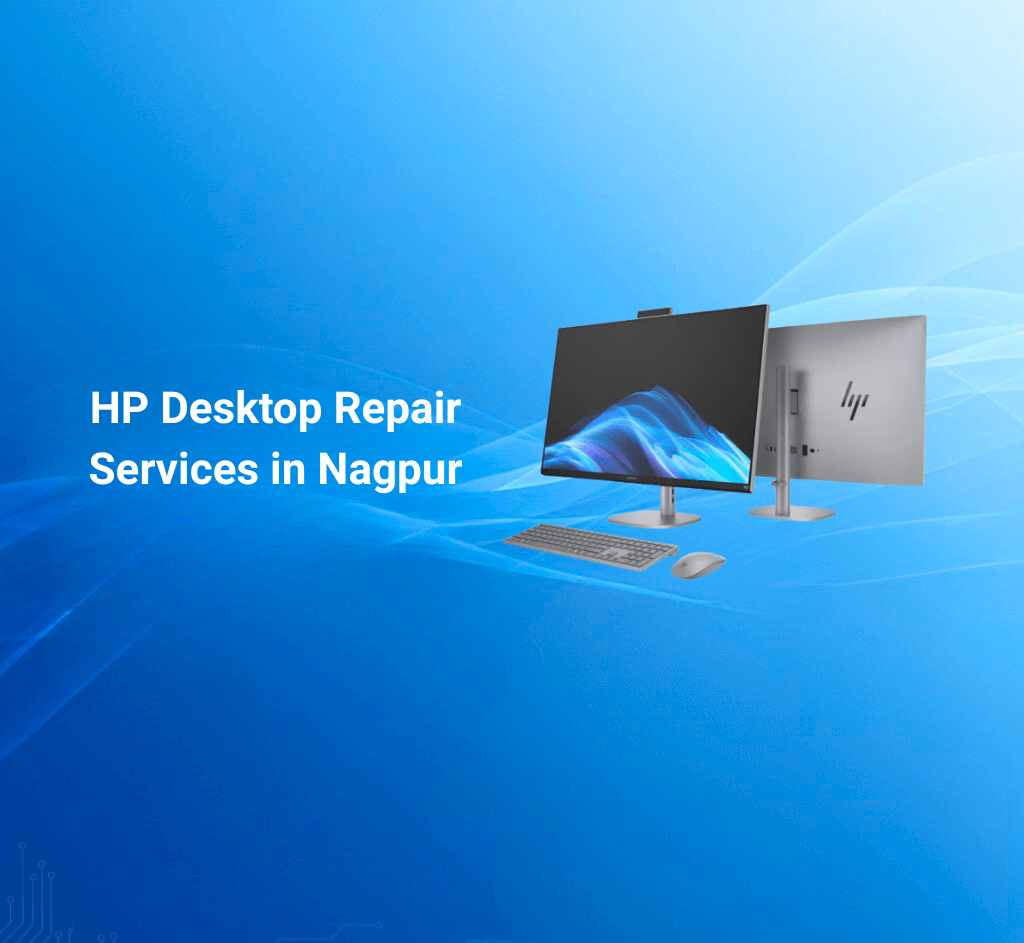
HP Desktop Repair Services in Nagpur

Find Where Can You Get HP Desktop Repair Services in Nagpur Quickly and Safely? 1. Direct Answer HP desktop repair services in Nagpur are available at authorized centers like Dhantoli and Manewada, providing genuine parts, certified technicians, and optional pick-up & drop service for convenience and warranty safety. πŸ“ž Helpline / WhatsApp: +91 7770012802 πŸ“§ Email: info@hpservicescentre.in / care@hpservicescentre.in 2. Quick Summary Authorized HP Service Centers in Nagpur provide desktop repair services ensuring genuine parts, professional troubleshooting, and fast service. Services include hardware repair, OS installation, virus removal, and peripheral support, with optional pick-up & drop for home or office users. πŸ“ Branches: Dhantoli & Manewada, Nagpur πŸ•˜ Timings: 09:30 AM – 07:30 PM 3. Introduction Desktops face hardware, software, and performance issues over time. Visiting authorized HP Service Centers in Nagpur ensures your desktop receives professional repair with genuine parts, maintaining warranty and device longevity. This blog covers services, benefits, booking steps, preventive care, and FAQs for HP desktop repairs. 4. Benefits of HP Desktop Repair Services Certified Technicians: Ensure proper handling of desktop hardware. Genuine HP Parts: Maintain warranty and system longevity. Quick Turnaround: Fast repairs minimize downtime. Pick-Up & Drop Service: Convenient for home and office setups. Diagnostics & Testing: Ensure complete issue resolution. Transparent Pricing: Clear cost estimates before repairs. 5. Complete List of Desktop Repair Services Hardware Diagnostics & Repair: Motherboard, RAM, HDD/SSD, PSU issues. Software & OS Support: Installation, updates, and troubleshooting. Virus & Malware Removal: Ensures secure and smooth operation. Peripheral Support: Keyboards, mice, monitors, and other accessories. Pick-Up & Drop Service: Available at Dhantoli and Manewada branches. 6. Step-by-Step Guide to Desktop Repair Call or WhatsApp +91 7770012802 with desktop model and issue details. Schedule pick-up or visit the branch directly. Technicians diagnose the problem and provide a repair estimate. Repairs are completed using genuine HP parts and certified processes. Desktop is tested and returned via pick-up & drop service if opted. 7. Preventive Maintenance Tips for HP Desktops Regularly clean dust from vents and components. Keep antivirus and system updates current. Avoid sudden power shutdowns; use UPS for protection. Backup important data frequently. Ensure proper ventilation to prevent overheating. 8. FAQs Q1: Can I repair an HP desktop under warranty? A: Yes, authorized HP centers provide warranty-safe repair services. Q2: How long does desktop repair take? A: Minor issues can be resolved same-day; complex hardware repairs take 1–3 days. Q3: Are replacement parts genuine? A: Yes, only original HP components are used. Q4: Is pick-up & drop service available? A: Yes, both Dhantoli and Manewada branches provide this option. Q5: Can software and hardware issues be fixed together? A: Yes, authorized centers handle both simultaneously for efficiency. 9. Customer Experience / Testimonials Clients report fast, professional desktop repairs at Dhantoli and Manewada, appreciating genuine parts, certified technicians, and convenient pick-up & drop service. Offices benefit from minimal downtime and reliable solutions. 10. Nearby Branch Comparison / Why Choose Authorized Centers Dhantoli Branch: Click to Open Map – Central location, ideal for urgent repairs and office setups. Manewada Branch: Click to Open Map – Convenient for eastern Nagpur; provides advanced hardware diagnostics and repair. 11. Conclusion & Branch Addresses For HP desktop repairs in Nagpur, visiting authorized centers like Dhantoli and Manewada guarantees genuine HP parts, certified technicians, fast turnaround, and optional pick-up & drop service. Maintain your desktop’s performance and longevity with professional service. πŸ“ž Helpline / WhatsApp: +91 7770012802 πŸ“§ Email: info@hpservicescentre.in / care@hpservicescentre.in πŸ•˜ Timings: 09:30 AM – 07:30 PM πŸ“ Branch Addresses Shop No.4, Amar Jyoti Palace, Chitale Marg, Nagpur – 440012 Plot No.7, Balaji Nagar, besides Shiv Mandir, Nagpur – 440027  

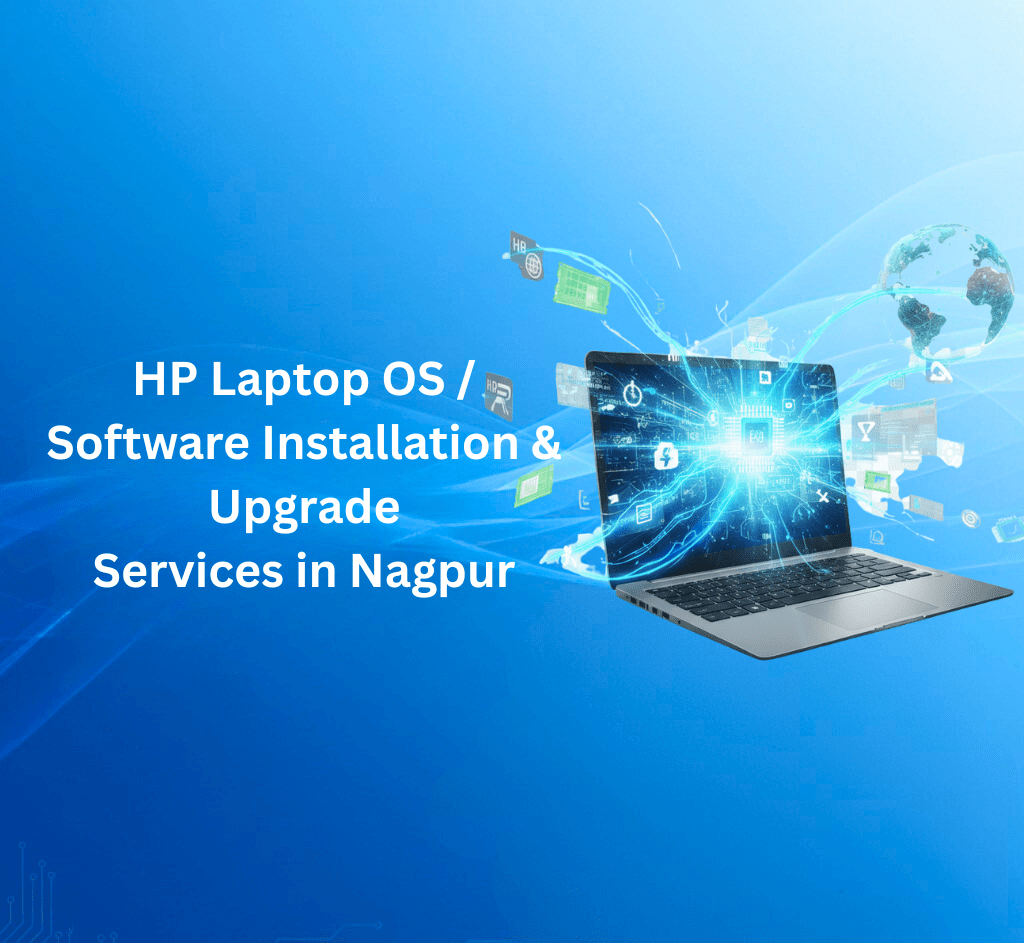
HP Laptop Software & OS Support Services in Nagpur
HP blogs

HP Laptop Software & OS Support Services in Nagpur

Discover Where you can get HP Laptop Software and OS Support Services in Nagpur Efficiently 1. Direct Answer HP laptop software and OS support services in Nagpur are available at authorized centers like Dhantoli and Manewada, offering OS installation, system optimization, updates, and virus removal by certified technicians. πŸ“ž Helpline / WhatsApp: +91 7770012802 πŸ“§ Email: info@hpservicescentre.in / care@hpservicescentre.in 2. Quick Summary Authorized HP Service Centers in Nagpur provide software and OS support, ensuring smooth performance, malware-free systems, and compatibility with HP hardware. Services include OS installation, driver updates, performance optimization, and troubleshooting, with pick-up & drop for convenience. πŸ“ Branches: Dhantoli & Manewada, Nagpur πŸ•˜ Timings: 09:30 AM – 07:30 PM 3. Introduction Software issues like slow performance, crashes, or outdated drivers can disrupt productivity. Visiting authorized HP Service Centers in Nagpur ensures your laptop receives professional OS and software support, maintaining warranty and device performance. This blog covers services, benefits, booking, preventive tips, and FAQs. 4. Benefits of HP Software & OS Support Certified Technicians: Proper installation and troubleshooting. Optimal Performance: Systems run faster and smoother. Warranty Safety: Services maintain HP warranty compliance. Pick-Up & Drop Service: Convenient for busy users. System Diagnostics: Detects software conflicts or malware. Transparent Pricing: Clear estimates before service. 5. Complete List of Software & OS Services OS Installation & Reinstallation: Windows, Linux, or HP-supported OS. Driver & Firmware Updates: Ensures compatibility and smooth operation. Performance Optimization: Disk cleanup, registry fixes, and speed enhancement. Virus & Malware Removal: Protects your device from security threats. Pick-Up & Drop Service: Available at Dhantoli and Manewada branches. 6. Step-by-Step Guide for Software & OS Support Call or WhatsApp +91 7770012802 with the laptop model and issue. Schedule pick-up or drop-off at your convenience. Technicians perform diagnostics and suggest necessary updates or repairs. Software updates, OS installation, and optimisation are carried out. Receive your laptop back fully optimised and secure. 7. Preventive Software Maintenance Tips Keep your OS and applications updated. Regularly scan for malware and viruses. Uninstall unused programs to free memory. Backup important data regularly. Avoid downloading software from untrusted sources. 8. FAQs Q1: Can software issues be fixed on warranty laptops? A: Yes, authorized HP centers provide warranty-safe software support. Q2: How long does OS installation or optimization take? A: Typically 1–2 hours for minor tasks; 1 day for full OS reinstallation. Q3: Is pick-up & drop service available? A: Yes, both Dhantoli and Manewada branches offer this option. Q4: Can drivers be updated for all HP laptop models? A: Yes, certified technicians ensure compatibility with your device. Q5: Will optimization improve device performance? A: Yes, it enhances speed, security, and overall efficiency. 9. Customer Experience / Testimonials Users report faster laptops, improved system stability, and malware-free systems after using Dhantoli and Manewada branches for software and OS support. Pick-up & drop service adds extra convenience. 10. Nearby Branch Comparison / Why Choose Authorized Centers Dhantoli Branch: Click to Open Map – Central location, quick service for software issues. Manewada Branch: Click to Open Map – Convenient for eastern Nagpur residents; provides advanced OS support and troubleshooting. 11. Conclusion & Branch Addresses For HP laptop software and OS support in Nagpur, visiting authorized centers like Dhantoli and Manewada guarantees certified technicians, fast turnaround, system optimization, virus removal, and optional pick-up & drop service. Keep your HP laptop secure, updated, and performing at its best. πŸ“ž Helpline / WhatsApp: +91 7770012802 πŸ“§ Email: info@hpservicescentre.in / care@hpservicescentre.in πŸ•˜ Timings: 09:30 AM – 07:30 PM πŸ“ Branch Addresses Shop No.4, Amar Jyoti Palace, Chitale Marg, Nagpur – 440012 Plot No.7, Balaji Nagar, besides Shiv Mandir, Nagpur – 440027

HP Service Centre Nagpur exterior – Shop No. 4, Ground Floor, Amar Jyoti Palace, Chitale Marg, Near Lokmat Square, Dhantoli, Nagpur 440012
HP blogs

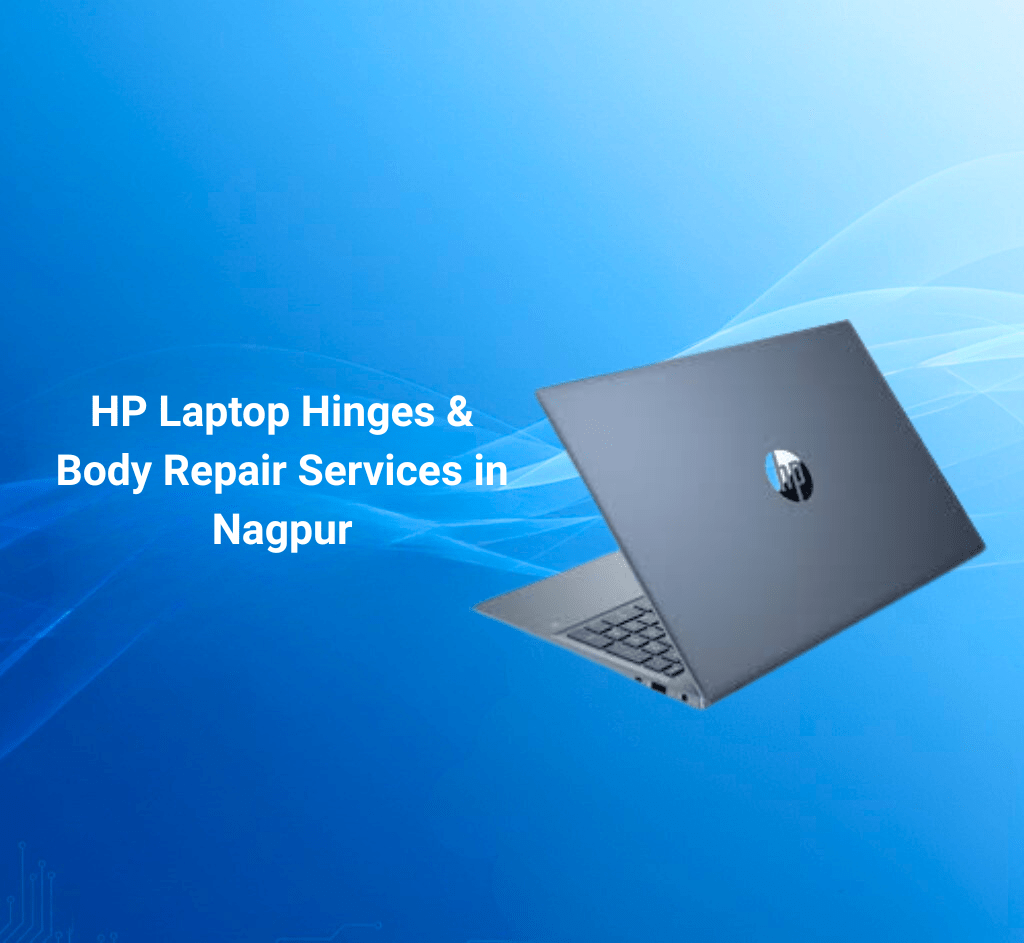
HP Laptop Hinges & Body Repair Services in Nagpur

Uncover Where Can You Get HP Laptop Hinge and Body Repairs in Nagpur Safely and Efficiently? 1. Direct Answer HP laptop hinge and body repairs in Nagpur are available at authorized service centers like Dhantoli and Manewada, offering genuine parts, certified technicians, and pick-up & drop service for convenience and warranty safety. πŸ“ž Helpline / WhatsApp: +91 7770012802πŸ“§ Email: info@hpservicescentre.in / care@hpservicescentre.in 2. Quick Summary Authorised HP Service Centers in Nagpur provide repairs for laptop hinges, chassis, and body components, ensuring device longevity, structural integrity, and warranty-safe service. Services include diagnostics, repair or replacement, and post-service testing, with pick-up & drop options. πŸ“ Branches: Dhantoli & Manewada, NagpurπŸ•˜ Timings: 09:30 AM – 07:30 PM 3. Introduction Laptop hinges and body parts can suffer wear and tear from daily use or accidental impacts. Visiting authorised HP Service Centers in Nagpur ensures your device receives professional repair using genuine HP parts, maintaining both warranty and device integrity. This blog covers services, benefits, booking steps, preventive care, and FAQs for hinge and body repairs. 4. Benefits of HP Laptop Hinge & Body Repairs Genuine HP Parts: Ensures durability and warranty safety. Certified Technicians: Precise repair and alignment. Quick Service: Fast turnaround for urgent repairs. Pick-Up & Drop Service: Convenient for home or office users. Device Diagnostics: Ensures proper hinge and chassis alignment. Transparent Pricing: Clear cost estimates before repair. 5. Complete List of Hinge & Body Services Hinge Replacement: Repair or replace broken hinges. Chassis Repairs: Fix bent or damaged laptop body parts. Screw & Frame Alignment: Ensures proper fit and function. Warranty-Safe Service: Repairs do not void warranty. Pick-Up & Drop Service: Available at Dhantoli and Manewada branches. 6. Step-by-Step Guide to Hinge & Body Repair Call or WhatsApp +91 7770012802 with laptop model and damage details. Schedule pick-up or drop-off at your convenience. Technicians diagnose hinge or body issues and confirm repair plan. Genuine HP parts are installed or repaired and tested for performance. Receive your laptop back fully functional with warranty-safe repairs. 7. Preventive Maintenance Tips for Laptop Hinges & Body Avoid excessive opening and closing pressure on the lid. Use a laptop sleeve or case during transport. Keep laptops on flat, stable surfaces. Avoid dropping or hitting the laptop. Regularly check hinge screws and tighten if needed. 8. FAQs Q1: Can hinge repairs be done on warranty laptops?A: Yes, authorised HP centers provide warranty-safe repairs. Q2: How long do hinge or body repairs take?A: Typically 1–2 days depending on parts availability. Q3: Are all replacement parts genuine?A: Yes, only original HP components are used. Q4: Is pick-up & drop service available?A: Yes, both Dhantoli and Manewada branches provide this option. Q5: Will repairs restore structural integrity?A: Yes, professional repairs restore hinge alignment and body strength. 9. Customer Experience / Testimonials Users report smooth hinge replacement, precise alignment, and durable chassis repairs at Dhantoli and Manewada branches. Pick-up & drop makes it convenient for home users and businesses. 10. Nearby Branch Comparison / Why Choose Authorized Centers Dhantoli Branch: Fast service, central location, suitable for urgent repairs. Manewada Branch: Convenient for eastern Nagpur; provides advanced diagnostics and precision repairs. 11. Conclusion & Branch Addresses For HP laptop hinge and body repairs in Nagpur, visiting authorized centers like Dhantoli and Manewada guarantees genuine HP parts, certified technicians, fast turnaround, and optional pick-up & drop service. Maintain your laptop’s structural integrity and warranty with professional service. πŸ“ž Helpline / WhatsApp: +91 7770012802πŸ“§ Email: info@hpservicescentre.in / care@hpservicescentre.inπŸ•˜ Timings: 09:30 AM – 07:30 PM πŸ“ Branch Addresses Shop No.4, Amar Jyoti Palace, Chitale Marg, Nagpur – 440012Plot No.7, Balaji Nagar, besides Shiv Mandir, Nagpur – 440027 Β 

Scroll to Top