
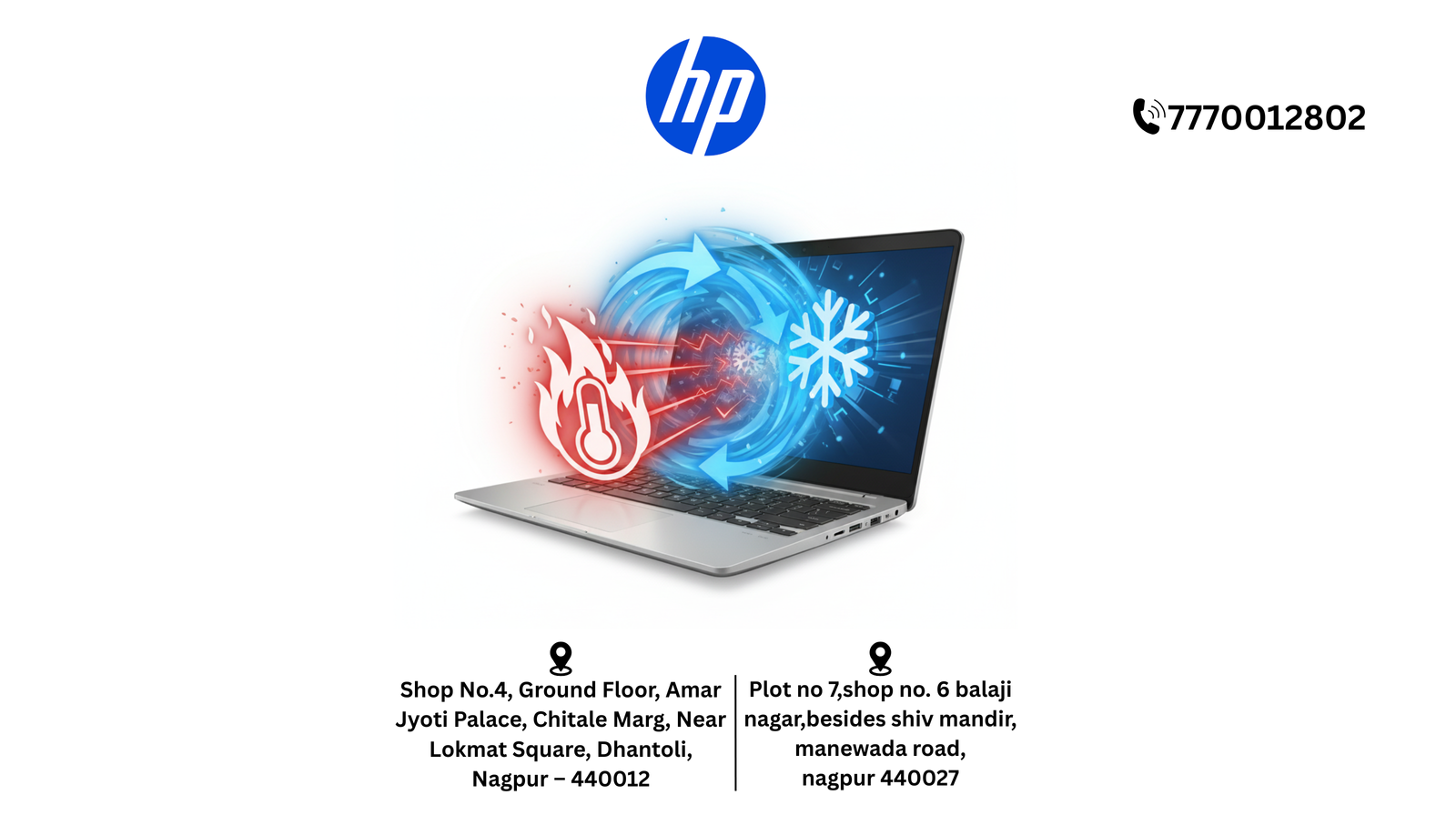
HP Laptop Overheating & Cooling Issue Services in Nagpur
1. Direct Answer
HP laptop overheating and cooling issue services in Nagpur are available at authorized centers like Dhantoli and Manewada, offering certified technicians, professional cooling system cleaning, thermal paste replacement, fan repair, and optional pick-up & drop service.
📞 Helpline / WhatsApp: +91 7770012802
📧 Email: info@hpservicescentre.in /
care@hpservicescentre.in
2. Quick Summary
Authorized HP Service Centers in Nagpur provide overheating and cooling issue services, ensuring safe internal cleaning, fan repair, thermal paste replacement, and warranty-safe procedures. Services include diagnostics, thermal optimization, performance checks, and optional pick-up & drop service.
📍 Branches:
Dhantoli (Shop No.4, Amar Jyoti Palace, Chitale Marg, Nagpur – 440012) &
Manewada (Plot No.7, Balaji Nagar, besides Shiv Mandir, Nagpur – 440027)
🕘 Timings: 09:30 AM – 07:30 PM
3. Introduction
Laptop overheating can cause slow performance, unexpected shutdowns, or hardware damage. Visiting authorized HP Service Centers in Nagpur ensures your laptop receives professional cooling system services, maintaining performance and warranty. This blog covers services, benefits, steps, preventive care, and FAQs.
4. Benefits of HP Laptop Cooling & Overheating Services
- Certified Technicians: Safe cleaning and repairs.
- Thermal Optimization: Reapplied thermal paste and fan maintenance.
- Quick Service: Reduces risk of hardware damage.
- Pick-Up & Drop Service: Convenient for offices and home users.
- Performance Restoration: Laptop runs cooler and more efficiently.
- Transparent Pricing: Clear cost estimates before service.
5. Complete List of Services
- Cooling System Cleaning
- Thermal Paste Replacement
- Fan Repair or Replacement
- Performance Testing & Temperature Monitoring
- Pick-Up & Drop Service at Dhantoli and Manewada branches
6. Step-by-Step Guide to Cooling Issue Service
- Call or WhatsApp +91 7770012802 with laptop model and issue.
- Schedule pick-up or visit the branch for service.
- Technicians diagnose overheating problems and plan the repair.
- Cooling system is cleaned, thermal paste replaced, and fan repaired/tested.
- Receive your laptop back fully functional and cooler, warranty-safe.
7. Preventive Maintenance Tips
- Keep vents and fans free from dust.
- Avoid placing laptops on soft surfaces like beds or sofas.
- Regularly clean using compressed air or professional cleaning.
- Avoid running heavy applications for prolonged periods without breaks.
- Monitor CPU and GPU temperatures using software tools.
8. FAQs
Q1: Can overheating/cooling issue services be done on warranty laptops?
A: Yes, authorized HP centers provide warranty-safe services.
Q2: How long does service take?
A: Typically 1–2 hours depending on severity.
Q3: Are thermal pastes and fans genuine HP parts?
A: Yes, only certified HP components are used.
Q4: Is pick-up & drop service available?
A: Yes, both Dhantoli and Manewada branches provide this option.
Q5: Will service improve laptop performance?
A: Yes, cooling optimization prevents overheating and enhances performance.
9. Customer Experience / Testimonials
Clients report reduced temperatures, stable performance, and long-lasting results at Dhantoli and Manewada branches. Pick-up & drop service ensures minimal disruption for office and home users.
10. Nearby Branch Comparison / Why Choose Authorized Centers
- Dhantoli Branch: Central location, ideal for urgent cooling services.
- Manewada Branch: Convenient for eastern Nagpur; offers advanced cooling diagnostics and maintenance.
Authorized centers ensure professional, reliable, and warranty-safe overheating and cooling issue services.
11. Conclusion
For HP laptop overheating and cooling issue services in Nagpur, visiting authorized centers like
Dhantoli and
Manewada guarantees certified technicians, proper thermal paste application, fan maintenance, quick service, and optional pick-up & drop service. Maintain your laptop’s performance and lifespan with professional HP support.
📞 +91 7770012802
📧 info@hpservicescentre.in /
care@hpservicescentre.in
🕘 Timings: 09:30 AM – 07:30 PM